Setup & Onboarding for Local Service Businesses
Get your CRM and phone system ready for the way your team works. Optimizing Leads helps you decide where new inquiries should go, who should follow up, and what to test before you start taking real calls and leads.
What We Help Set Up
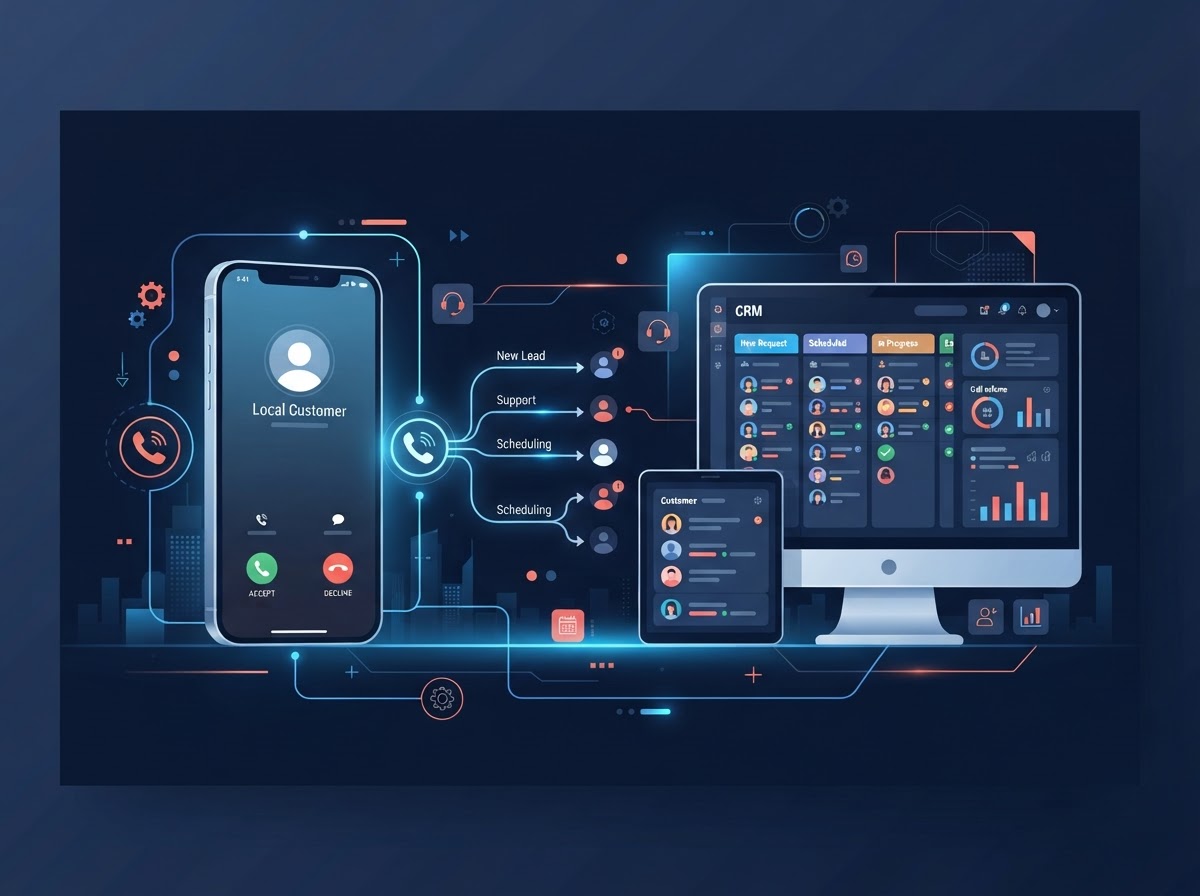
The core systems your team uses to capture, route, and track new inquiries.
CRM
Set up how new inquiries are recorded, who handles them, and how your team tracks follow-up.
Phone System
Configure where incoming calls go and what happens when your team can't answer, based on the services you select.
Connections and Testing
Connect the tools included in your setup. Test a sample call and inquiry so your team can see where each one goes and what happens next.
How It Works
A clear three-step process. You stay in control of what gets configured and how calls and inquiries are routed.
Review Your Current Setup
Walk Daniel through how customers contact you today and where calls or inquiries tend to get missed.
Agree on What to Configure
Decide which tools need to connect, how calls and inquiries should be routed, and what access is needed.
Test the Setup Together
Check the agreed call and inquiry paths and show your team how to find and follow up on new leads.
Frequently Asked Questions
Book a Discovery Call with Daniel
Show Daniel how calls and inquiries reach your team today. He'll help you identify what needs to be set up and what to tackle first.