
Website Chat Widget
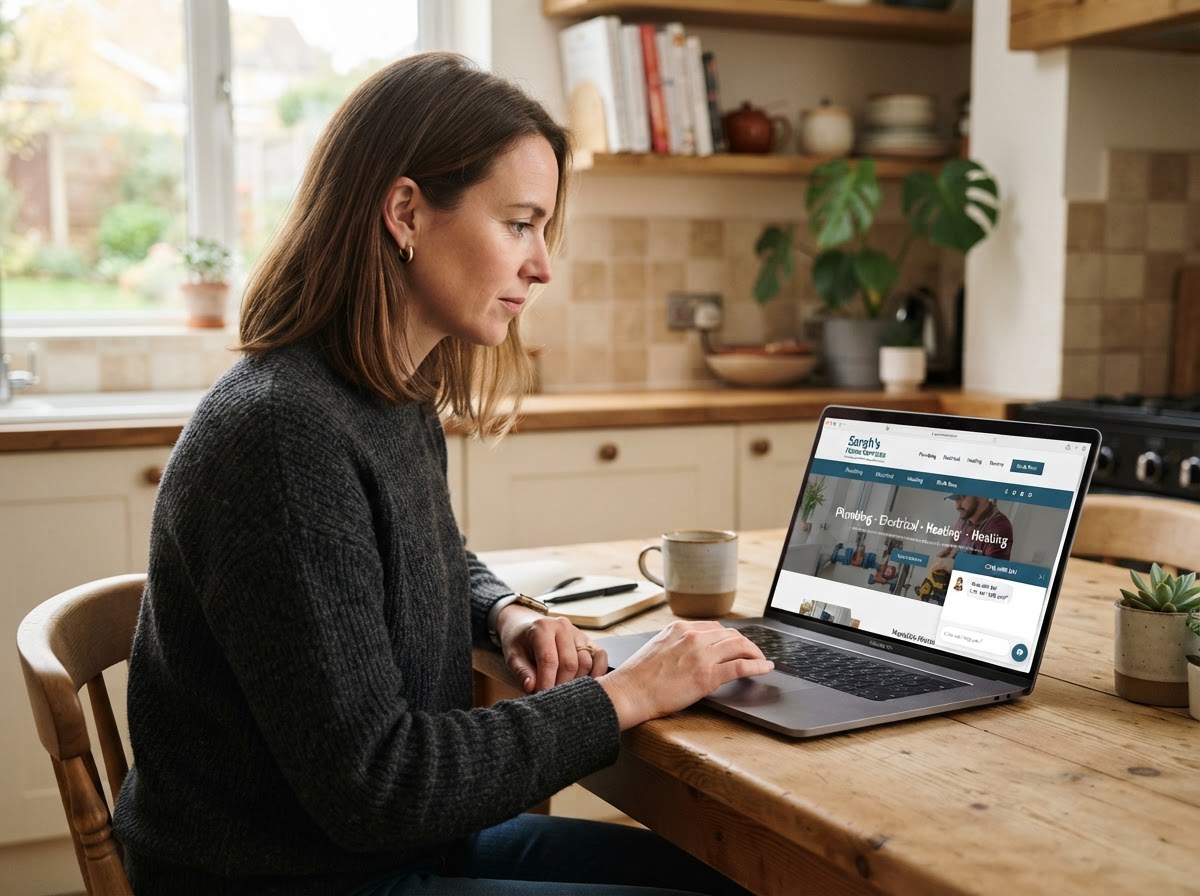
Give website visitors an easy way to ask a question or tell you what they need. Optimizing Leads adds a chat widget to your website and sets up where inquiries go so your team can follow up.
What We Set Up
A Place to Start a Conversation
Add a chat button visitors can find on desktop and mobile, with a welcome message that fits your business.
The Details Your Team Needs
Decide what to ask for, such as the visitor's name, preferred contact details, or a short description of the job.
A Place to Receive Inquiries
Set up where messages go and who follows up. When Conversation AI is included and connected, it can answer common questions through the widget.
How It Works
Review Your Website With Daniel
Decide where visitors should see the widget and what you want them to be able to ask.
Install and Configure the Widget
Set the welcome message, choose which details to collect, and connect the inbox your team will use.
Test a Visitor Inquiry
Open the widget on desktop and mobile, send a sample message, and confirm it reaches the right inbox.
Frequently Asked Questions
Book a Discovery Call with Daniel
Show Daniel how visitors contact you today. He'll help you decide where chat fits and how your team can handle new messages.